Jezero
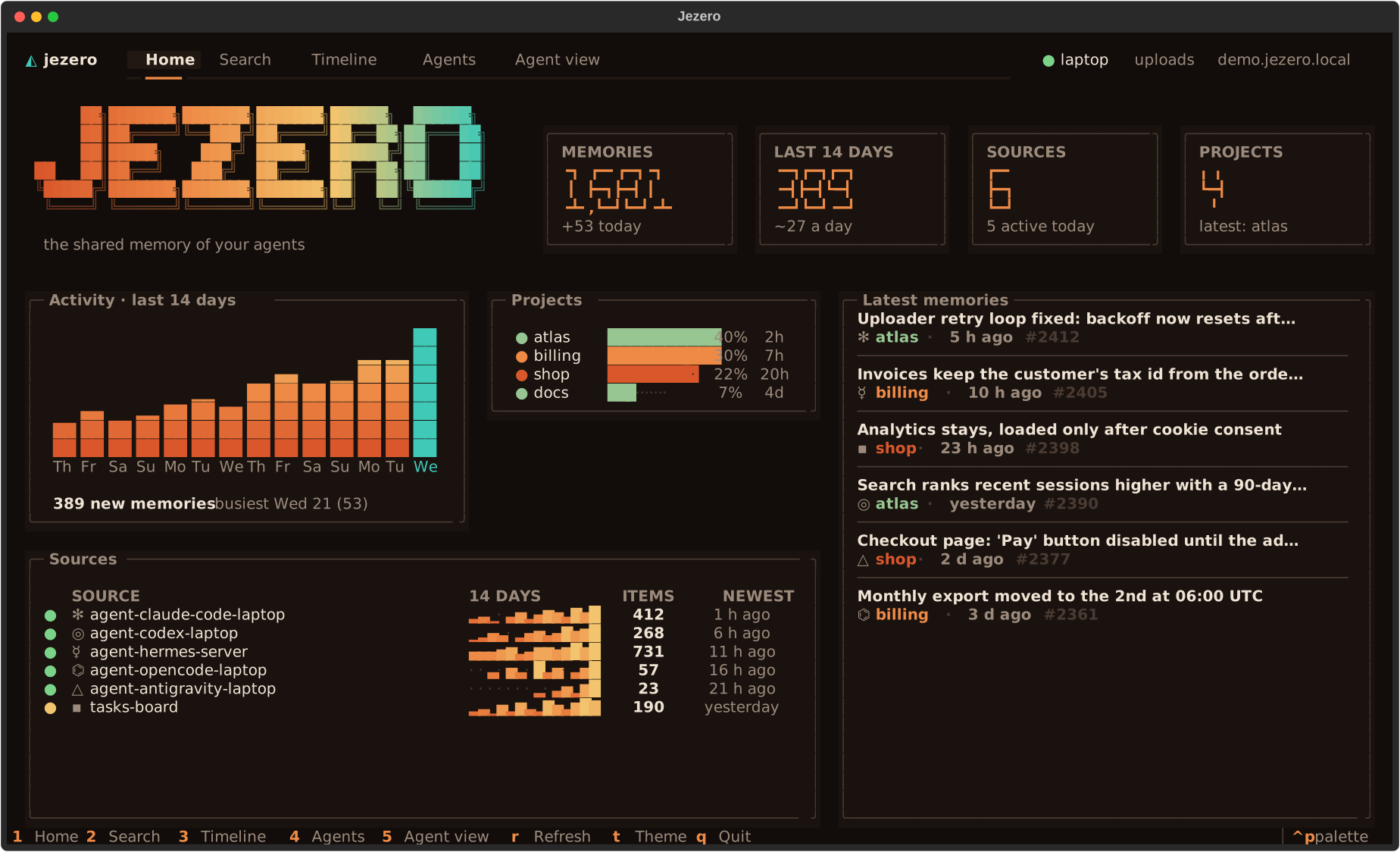
A shared, searchable library of your agents' past work. Every session of every agent, on every computer, summarised once and served read-only over MCP.
-
Learn
From nothing to a working library in about fifteen minutes, then a second computer.
-
Do
Run the server, add sources, connect agents and computers, fix what breaks.
-
Look up
Every command, configuration key, connector, MCP tool and route. Exact and complete.
-
Understand
How the parts fit, how search ranks, how summaries are made, what is protected.
Learn
Step by step, from nothing to a working setup.
- Your first library: install Jezero, fill a library with sample items, search it and serve it over MCP.
- Connect a second computer: give a laptop its own key, install a plugin and watch its first session arrive.
Do
Guides for a goal you already have.
Running the server
- Run Jezero as a service: systemd, HTTPS, backups and upgrades.
- Add and tune sources: connectors, projects, redaction, summaries.
- Keep an eye on Jezero: health checks, alerts and logs.
Connecting agents and computers
- Connect an agent: Claude Code, Codex, OpenCode, Hermes Agent, Antigravity, or any MCP client.
- Manage computers and keys: add, limit, rotate and remove keys.
- Use the Jezero app: look, search and update plugins from a terminal.
- Troubleshooting: symptoms, causes and fixes.
Look up
Exact and complete. The first two are generated from the code.
- Command reference: every command of
jezeroand of the client core. - Configuration: every key of
jezero.toml. - Connectors: every connector type and its options.
- MCP tools: what agents can call, with arguments and results.
- HTTP API: uploads, the overview and the client bundle.
- Client: the client core's files, settings and hooks.
- Data model: items, atoms, sources and trust.
- Glossary: the words these pages use.
Understand
Why Jezero works the way it does.
- Architecture: the parts, and the life of a session.
- How search ranks results: literal matching, BM25 and recency.
- How summaries are made: items, atoms and their cost.
- Security and privacy: what is protected, and from whom.
- Design decisions: what was chosen, and what was not.
Contribute
- Contributing: set up, test and send a change.
- Writing the docs: how these pages are organised and written.
- Changelog and security policy.